
Navigation in China is easier when you prepare a map that works on your phone and data plan. Network access, route coverage and language support are separate questions: test your chosen app and save important Chinese addresses before departure.[1]
Top Navigation Apps for China
Here is a practical comparison of navigation options for a China trip:
App: Gaode Maps / AutoNavi (高德地图)
English Version: English available in AMap Global; check your version[4]
Practical fit[3]: Public transport and local route planning[5]
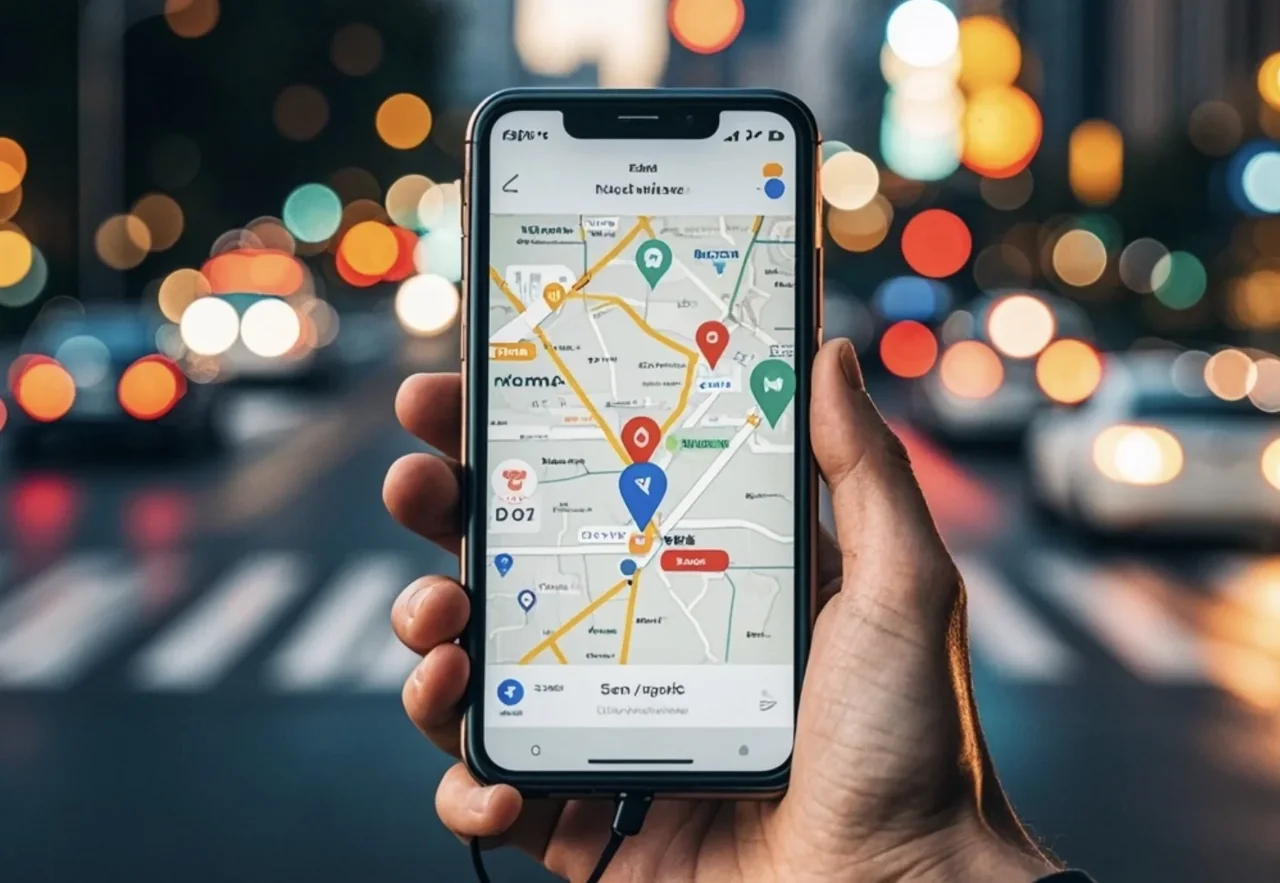

1. Baidu Maps (百度地图)
Baidu Maps offers detailed local place and transport information. Interface language and particular features depend on the version available to your device.[11]
Pros:
- Extensive coverage of China
- Traffic and arrival-time estimates can change; confirm important transfers and last departures with the operator.[12]
- Integrated services may require an account, a supported phone number or an eligible payment method.[13]
Cons:
- Check the language controls in your installed app; keep destination names in Chinese as a fallback.[14]
- Can be overwhelming for non-Chinese speakers
Best suited to travelers comfortable searching Chinese place names; no independently measured numeric score is claimed here.[15]
2. Gaode Maps / AutoNavi (高德地图)
AMap Global offers an English interface and routes for driving, public transport, walking and cycling. Check the version available in your device’s store.[16]
Pros:
- English support is available in AMap Global; individual listings and integrated services may still display Chinese.[17]
- User-friendly interface
- Confirm the exact entrance, address and opening information with the venue rather than relying only on a map listing.[18]
- Check whether the version you installed offers downloadable maps for your destination and test the saved material in airplane mode.[19]
Cons:
- Some features may still be in Chinese
A practical starting point for English-language local navigation, rather than a scored ranking.[20]
3. Apple Maps
Apple Maps is a familiar option on Apple devices. Feature and regional coverage vary; check the destination and route on your own device.[21]
Pros:
- Interface language follows supported device settings; place names and local information may still need Chinese.[22]
- Familiar interface for iOS users
Cons:
- Verify the correct branch or entrance using the Chinese address and the venue’s own information.[23]
- May not have the most up-to-date information
A convenient option for Apple users; compare the route rather than relying on an invented score.[24]
4. Tencent Maps (腾讯地图)
Tencent Maps can be useful within Tencent’s services. Check the current app’s language support before depending on it.[25]
Pros:
- Map listings and route estimates can become outdated; verify important details locally.[26]
- Good integration with other Tencent services
Cons:
- Check available language settings; prepare Chinese addresses if your preferred language is not supported.[27]
- Steep learning curve for non-Chinese speakers
Consider it if it fits the apps you already use; no numeric rating is asserted.[28]
How to Download and Use Navigation Apps in China
- Download before you go: It’s best to download these apps before entering China, as you may face difficulties accessing app stores once there.
- Install apps from the publisher’s official site or your trusted app store before arrival. Do not assume a VPN is necessary or guarantees access.[29]
- Some additional features may need an account or phone verification. Test those features in advance instead of discovering a requirement on the street.[30]
- Learn basic Chinese characters: Even with English versions, knowing some basic Chinese characters can be helpful.
- Use offline maps: Download offline maps when possible to avoid relying on data connection.
- If a location pin looks wrong, compare it with a known landmark, the venue’s Chinese address and another local map. No universal distance error applies to every app or location.[31]
Conclusion
For a first visit, try AMap Global’s English interface or Apple Maps on an Apple device, and keep a Chinese-address fallback. Choose by the routes and language support that work on your phone.[32]
Safe travels and enjoy exploring the fascinating landscapes and cities of China!
FAQs
1.Q: Why doesn’t Google Maps work reliably in China?
Access and map accuracy vary by service, network and location. Prepare a local mapping option and offline address notes instead of relying on a single overseas app.[33]
2.Q: What is the best navigation app for English-speaking travelers in China?
AMap Global provides English navigation and local transport routes. Test your route and interface before travel; the old numerical ranking was not an independently verified score.[34]
3.Q: Can I use Apple Maps in China?
Apple Maps can be convenient on an iPhone. Available features vary by region, so confirm your destinations and transfer routes.[35]
4.Q: Should I download navigation apps before going to China?
Install and update navigation apps through official distribution channels before the trip. Store availability and supported features may differ by device and region.[36]
5.Q: Is it possible to use offline maps in China?
Offline support varies. Download available areas in advance, test them without a connection, and keep screenshots of important addresses.[37]
Related
1.Visa-free transit in China: current eligibility and planning guide[38]
2. Bringing personal items into China: customs and packing guide
Notes & sources
These notes support the specific corrections above. They do not mean that every sentence, future opening time or individual eligibility has been verified.
Correction notes and source scope
Correct or qualify the specific claim; retain the surrounding original instructions and examples.
AutoNavi: AMap Global official app listing Shanghai government: AMap in English Apple: feature availability by regionSource checked 2026-10-31Remove unsupported popularity ranking.
Editorial correction; no new factual-verification date claimed.Correct or qualify the specific claim; retain the surrounding original instructions and examples.
AutoNavi: AMap Global official app listing Shanghai government: AMap in English Apple: feature availability by regionSource checked 2026-10-31Correct or qualify the specific claim; retain the surrounding original instructions and examples.
AutoNavi: AMap Global official app listing Shanghai government: AMap in English Apple: feature availability by regionSource checked 2026-10-31Correct or qualify the specific claim; retain the surrounding original instructions and examples.
AutoNavi: AMap Global official app listing Shanghai government: AMap in English Apple: feature availability by regionSource checked 2026-10-31Correct or qualify the specific claim; retain the surrounding original instructions and examples.
AutoNavi: AMap Global official app listing Shanghai government: AMap in English Apple: feature availability by regionSource checked 2026-10-31Correct or qualify the specific claim; retain the surrounding original instructions and examples.
AutoNavi: AMap Global official app listing Shanghai government: AMap in English Apple: feature availability by regionSource checked 2026-10-31Correct or qualify the specific claim; retain the surrounding original instructions and examples.
AutoNavi: AMap Global official app listing Shanghai government: AMap in English Apple: feature availability by regionSource checked 2026-10-31Correct or qualify the specific claim; retain the surrounding original instructions and examples.
AutoNavi: AMap Global official app listing Shanghai government: AMap in English Apple: feature availability by regionSource checked 2026-10-31Correct or qualify the specific claim; retain the surrounding original instructions and examples.
AutoNavi: AMap Global official app listing Shanghai government: AMap in English Apple: feature availability by regionSource checked 2026-10-31Correct or qualify the specific claim; retain the surrounding original instructions and examples.
AutoNavi: AMap Global official app listing Shanghai government: AMap in English Apple: feature availability by regionSource checked 2026-10-31Correct or qualify the specific claim; retain the surrounding original instructions and examples.
AutoNavi: AMap Global official app listing Shanghai government: AMap in English Apple: feature availability by regionSource checked 2026-10-31Correct or qualify the specific claim; retain the surrounding original instructions and examples.
AutoNavi: AMap Global official app listing Shanghai government: AMap in English Apple: feature availability by regionSource checked 2026-10-31Correct or qualify the specific claim; retain the surrounding original instructions and examples.
AutoNavi: AMap Global official app listing Shanghai government: AMap in English Apple: feature availability by regionSource checked 2026-10-31Correct or qualify the specific claim; retain the surrounding original instructions and examples.
AutoNavi: AMap Global official app listing Shanghai government: AMap in English Apple: feature availability by regionSource checked 2026-10-31Correct or qualify the specific claim; retain the surrounding original instructions and examples.
AutoNavi: AMap Global official app listing Shanghai government: AMap in English Apple: feature availability by regionSource checked 2026-10-31Correct or qualify the specific claim; retain the surrounding original instructions and examples.
AutoNavi: AMap Global official app listing Shanghai government: AMap in English Apple: feature availability by regionSource checked 2026-10-31Correct or qualify the specific claim; retain the surrounding original instructions and examples.
AutoNavi: AMap Global official app listing Shanghai government: AMap in English Apple: feature availability by regionSource checked 2026-10-31Correct or qualify the specific claim; retain the surrounding original instructions and examples.
AutoNavi: AMap Global official app listing Shanghai government: AMap in English Apple: feature availability by regionSource checked 2026-10-31Correct or qualify the specific claim; retain the surrounding original instructions and examples.
AutoNavi: AMap Global official app listing Shanghai government: AMap in English Apple: feature availability by regionSource checked 2026-10-31Correct or qualify the specific claim; retain the surrounding original instructions and examples.
AutoNavi: AMap Global official app listing Shanghai government: AMap in English Apple: feature availability by regionSource checked 2026-10-31Correct or qualify the specific claim; retain the surrounding original instructions and examples.
AutoNavi: AMap Global official app listing Shanghai government: AMap in English Apple: feature availability by regionSource checked 2026-10-31Correct or qualify the specific claim; retain the surrounding original instructions and examples.
AutoNavi: AMap Global official app listing Shanghai government: AMap in English Apple: feature availability by regionSource checked 2026-10-31Correct or qualify the specific claim; retain the surrounding original instructions and examples.
AutoNavi: AMap Global official app listing Shanghai government: AMap in English Apple: feature availability by regionSource checked 2026-10-31Correct or qualify the specific claim; retain the surrounding original instructions and examples.
AutoNavi: AMap Global official app listing Shanghai government: AMap in English Apple: feature availability by regionSource checked 2026-10-31Correct or qualify the specific claim; retain the surrounding original instructions and examples.
AutoNavi: AMap Global official app listing Shanghai government: AMap in English Apple: feature availability by regionSource checked 2026-10-31Correct or qualify the specific claim; retain the surrounding original instructions and examples.
AutoNavi: AMap Global official app listing Shanghai government: AMap in English Apple: feature availability by regionSource checked 2026-10-31Correct or qualify the specific claim; retain the surrounding original instructions and examples.
AutoNavi: AMap Global official app listing Shanghai government: AMap in English Apple: feature availability by regionSource checked 2026-10-31Correct or qualify the specific claim; retain the surrounding original instructions and examples.
AutoNavi: AMap Global official app listing Shanghai government: AMap in English Apple: feature availability by regionSource checked 2026-10-31Correct or qualify the specific claim; retain the surrounding original instructions and examples.
AutoNavi: AMap Global official app listing Shanghai government: AMap in English Apple: feature availability by regionSource checked 2026-10-31Correct or qualify the specific claim; retain the surrounding original instructions and examples.
AutoNavi: AMap Global official app listing Shanghai government: AMap in English Apple: feature availability by regionSource checked 2026-10-31Correct or qualify the specific claim; retain the surrounding original instructions and examples.
AutoNavi: AMap Global official app listing Shanghai government: AMap in English Apple: feature availability by regionSource checked 2026-10-31Correct or qualify the specific claim; retain the surrounding original instructions and examples.
AutoNavi: AMap Global official app listing Shanghai government: AMap in English Apple: feature availability by regionSource checked 2026-10-31Correct or qualify the specific claim; retain the surrounding original instructions and examples.
AutoNavi: AMap Global official app listing Shanghai government: AMap in English Apple: feature availability by regionSource checked 2026-10-31Correct or qualify the specific claim; retain the surrounding original instructions and examples.
AutoNavi: AMap Global official app listing Shanghai government: AMap in English Apple: feature availability by regionSource checked 2026-10-31Correct or qualify the specific claim; retain the surrounding original instructions and examples.
AutoNavi: AMap Global official app listing Shanghai government: AMap in English Apple: feature availability by regionSource checked 2026-10-31Correct or qualify the specific claim; retain the surrounding original instructions and examples.
AutoNavi: AMap Global official app listing Shanghai government: AMap in English Apple: feature availability by regionSource checked 2026-10-31Related-link label must not advertise the superseded 144-hour regime; original URL remains unchanged.
NIA: current visa-free transit conditionsSource checked 2026-10-31Do not label the updated main guide as a current 2024 edition.
Editorial correction; no new factual-verification date claimed.
- AutoNavi: AMap Global official app listing
English availability and navigation modes in official listing, not performance testing.
Checked 2026-10-31 - NIA: current visa-free transit conditions
Eligibility, third-country transit, designated ports/areas and permitted activities; not an individual admission decision.
Checked 2026-10-31 - Shanghai government: AMap in English
AMap English interface and routes, not guaranteed accuracy.
Checked 2026-10-31 - Apple: feature availability by region
Features differ by region/language; not a direct field test.
Checked 2026-10-31